Progressive Java survival

THE GOONS 2.0
A survival world that grows with its players.
Start small. Explore together. Unlock more every week.
600 × 600Starting world
+500Every 7 days
Week 4Nether opens
Week 10The End event
play.the-goons.nl
Server information
Current progression
Calculated from the weekly schedule.
Server news
Server hardware upgrade
The server now runs on new hardware with a fresh Debian 13 install: three times the CPU cores, double the memory and NVMe storage.
- CPU
- Intel Core i3-6100T 2 cores / 4 threadsupgraded toAMD Ryzen 5 5600G 6 cores / 12 threads
- Memory
- 16 GB DDR4upgraded to32 GB DDR4-3200
- Storage
- SATA SSDupgraded to500 GB Kingston NVMe SSD
- System
- Fresh Debian 13 setup
Player of the WeekSunday to Sunday
Last week's winner
Checking…Loading active playtime…
This week's leaderboard
- Loading standings…
LIVELoading stats…
A different pace
A small world with room to grow.
The Goons 2.0 is a small Minecraft survival server built around slow world progression. Instead of spawning into an enormous map where everything is available immediately, the playable area starts small and expands every week.
That creates a more social early game, keeps exploration relevant and gives everyone something new to look forward to. Build permanently in the main survival world, then use renewable mining worlds for large-scale resource gathering.
The world grows with you
Seven days. Five hundred more blocks.
Every expansion opens fresh terrain and new possibilities without publishing structure coordinates. The cycle continues until the planned 10,000 × 10,000 maximum.
- Current border
- 2,600 × 2,600
- Next border
- 3,100 × 3,100
- Next expansion
- Sunday 11 October · 12:00
- Countdown
- soon
Week 4 of 1921% of the way to 10,000 × 10,000
Maximum 10,000 × 10,000 · expected Sunday 17 January 2027
Week 0
600 × 600
The beginning
Survival and /mines open. The Nether and The End are sealed.
Week 1
1,100 × 1,100
First expansion
Fresh terrain opens beyond the original border.
Week 2
1,600 × 1,600
New horizons
More biomes, structures and exploration opportunities.
Week 3
2,100 × 2,100
Stronghold range
The stronghold becomes reachable. Its location stays yours to discover; End Portal activation is planned for Week 10.
Week 4
2,600 × 2,600
The Nether opens
Portals activate and /nethermines unlocks.
Week 5
3,100 × 3,100
Further expansion
The overworld continues its steady weekly growth.
Week 6
3,600 × 3,600
Deeper Nether
More Nether progression, including bastion range, becomes reachable.
Weeks 7–9
4,100 → 5,100
Steady growth
Another 500 blocks every Sunday while the map keeps opening up.
Week 1015 Nov 2026
5,600 × 5,600
The End event
The End Portal activates for the community event at Week 10.
Weeks 11–18
6,100 → 9,600
Steady growth
Another 500 blocks every Sunday while the map keeps opening up.
Week 1917 Jan 2027
10,000 × 10,000
Final expansion
The border reaches its planned maximum and stops growing.
Nether scaleAlways synced at 8:1
The Nether border follows the main border at Minecraft's correct travel scale. Right now it is 325 × 325.
Built for survival
Useful systems. No network clutter.
A modern Paper setup with protection, progression and quality-of-life features selected for a small community.
Progressive border
Start at 600 × 600 and unlock another 500 blocks every seven days.
Weekly exploration
Fresh terrain turns every border expansion into a small community event.
Resource worlds
/mines and /nethermines protect the permanent main map.
Nether unlock
Portals and the Nether mining world open together at Week 4.
Custom lobby
A separate hub with NPCs, holograms and its own clean inventory.
Player privacy
Use /locator to hide yourself and other players from the Locator Bar.
Anti-grief
CoreProtect logs block and container activity so staff can inspect and rollback grief.
Anti-Xray
Paper Anti-Xray and randomized feature seeds protect fair exploration.
Progression & skills
AuraSkills adds RPG-style growth alongside LuckPerms ranks and permissions.
Quality of life
Limited VeinMiner, temporary death-item ownership and a styled tab list.
Seed protection
Normal players cannot use /seed; world discovery stays meaningful.
Backups
Automated local backups help protect the permanent survival world.
Gather without scarring the map
Resource worlds are made to be mined.
Permanent
/smp
Main survival
Your home world. Build bases, towns and long-term projects here. This world does not reset like the mining worlds.
- Permanent builds
- Weekly border growth
- Last location remembered
Available now
/mines
Overworld mines
For mining, quarrying and temporary exploration without damaging the main survival map.
- Opens from Week 0
- Resets with new seeds
- Old locations cleared safely
Open from Week 4
/nethermines
Nether mines
A renewable Nether resource world that unlocks when the normal Nether opens.
- Locked during Weeks 0–3
- Resets periodically
- No permanent bases
Temporary means temporary.
You can build in mining worlds, but anything there may disappear during a reset. Use /hub for the lobby and /smp to return home.
Java Edition
Your next world starts here.
No launcher tricks and no hidden backend address. Add the public server address and join.
Server addressplay.the-goons.nl
Connection traffic is protected through TCPShield.
- 01Open Minecraft
Launch Minecraft Java Edition.
- 02Choose Multiplayer
Click Add Server.
- 03Name the server
Use The Goons 2.0.
- 04Paste the address
play.the-goons.nl - 05Join
See you inside.
Community rules
Respect the world. Respect the people.
Simple rules for a relaxed server. These are kept as a numbered list so they are easy to update later.
- 01
No griefing.
- 02
No stealing from other players.
- 03
No hacked clients, Xray or exploit abuse.
- 04
Do not try to bypass the world border or progression system.
- 05
No harassment or intentionally ruining the experience for others.
- 06
Do not build permanent bases in mining worlds—they reset.
- 07
Respect other players' private bases and areas.
- 08
Do not abuse bugs. Report serious exploits.
- 09
Staff decisions should protect the server, not create unnecessary restrictions.
- 10
Have fun. Do not take the server too seriously.
From the server
Our world, built together.
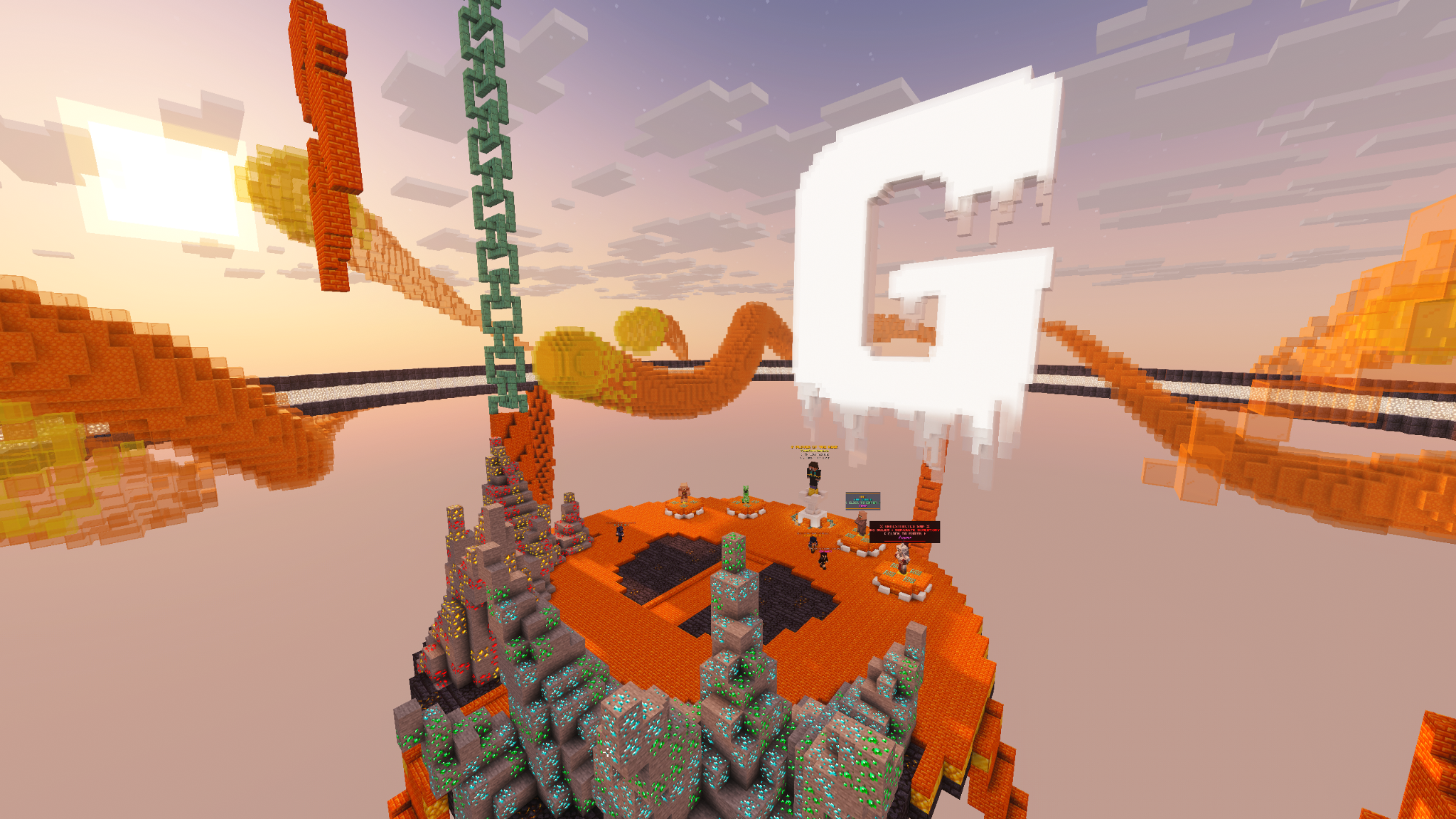
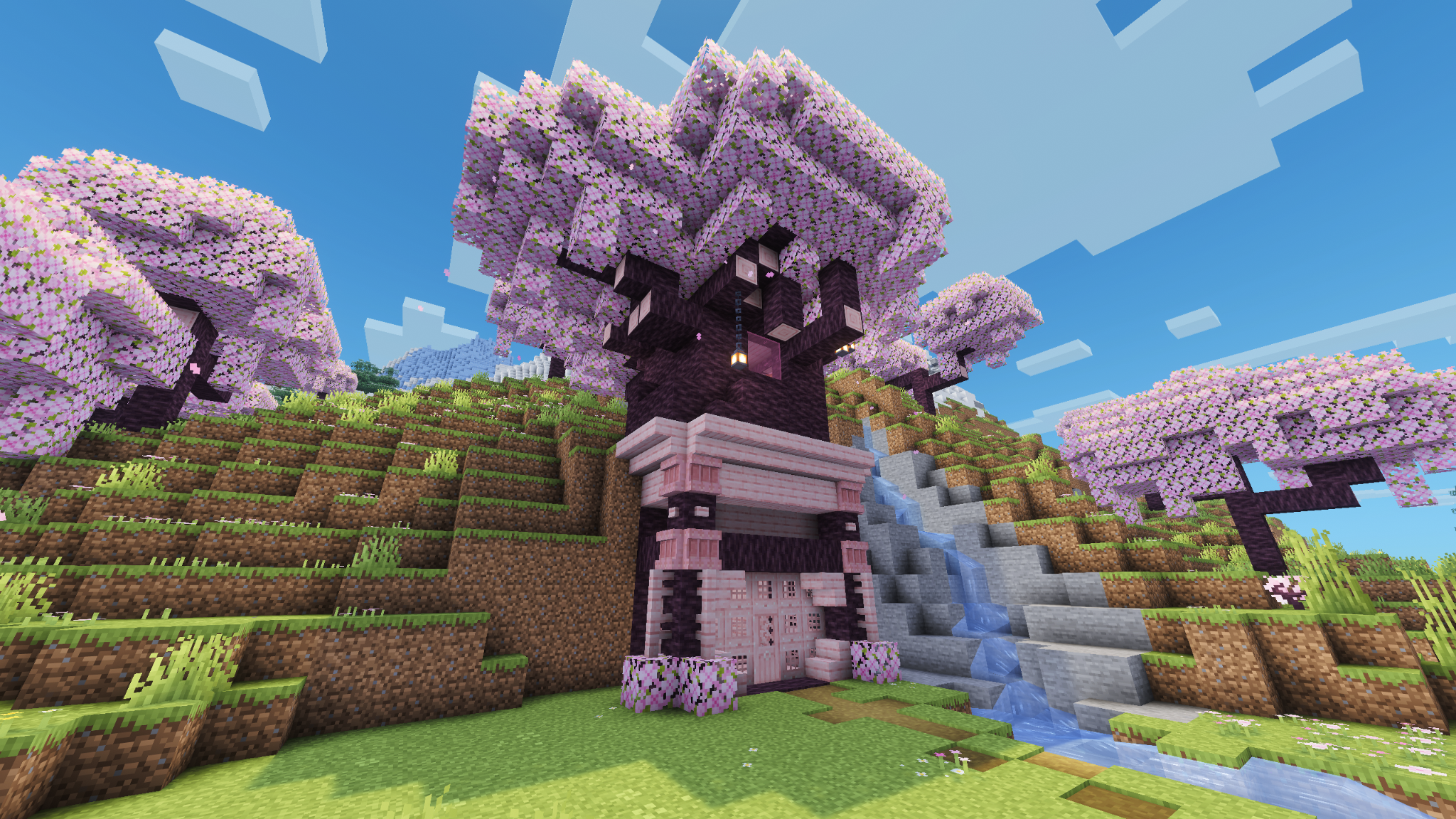
A look around the lobby and the survival world.
The community
Build together. Stay in the loop.
Join the community, talk with other players, and get updates about world expansions and server events.
Join DiscordNeed to know
Frequently asked questions.
What version of Minecraft do I need?+
Use the server's current Java Edition version. The status section above shows it live.
Is the server whitelist-only?+
No. Players can join using play.the-goons.nl.
Does the main survival world reset?+
No. The main survival world is permanent.
Do the mining worlds reset?+
Yes. They are temporary resource worlds and periodically regenerate with new seeds.
When does the Nether open?+
At Week 4. Nether portals, the normal Nether and /nethermines unlock together.
When does The End open?+
The End Portal activates at Week 10, on 15 Nov 2026. Reaching the stronghold in Week 3 is a separate milestone.
Can players hide from the Locator Bar?+
Yes. Use /locator. When it is off, you do not see others and they cannot see you on the Locator Bar.
Can I build in a mining world?+
You can, but builds are temporary because mining worlds reset.
Is griefing allowed?+
No. CoreProtect logs block and container activity so staff can investigate and rollback grief.
Can I use Xray or hacked clients?+
No. Xray, hacked clients and exploit abuse are not allowed.
Can I share the server address?+
Yes. Share only play.the-goons.nl.